
HTS3531 User Manual, which introduces the basic functions and features of the product, including registering the product, getting support, safety warnings, environmental protection use period, etc.
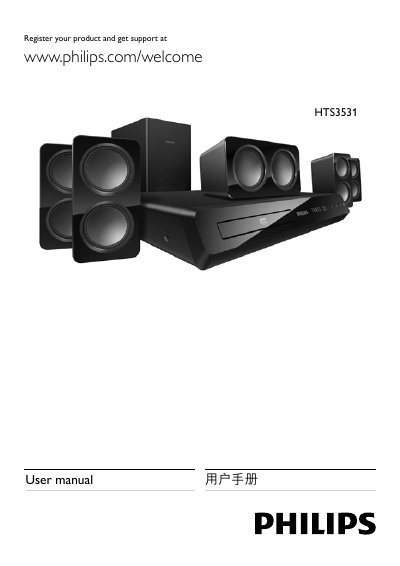
This manual guides you through registering your Philips HTS3531 home theater, connecting speakers, remote‑control functions, and configuring audio/video sources. It also covers safety precautions, product care, and environmental disposal instructions.
Detailed sections include speaker placement, HDMI and optical connections, supported media formats, and troubleshooting steps for common issues. Refer to the product specifications for power output, frequency response, and supported file types. This manual is written in Chinese.
| Total output power | 300 W RMS (30% THD) |
|---|---|
| Frequency response | 20 Hz – 20 kHz ±3 dB |
| Signal‑to‑noise ratio | > 65 dB (CCIR) |
| HDMI video output formats | 480i/576i, 480p/576p, 720p, 1080i, 1080p |
| USB compatibility | High‑speed USB 2.0 |
| FM radio tuning range | 87.5 MHz – 108 MHz |
Visit www.philips.com/welcome and follow the registration steps for your product.
The system plays DVD‑Video, DVD±R/RW, CD‑R/CD‑RW, audio CD, video CD/SVCD, MP3, WMA, DivX, JPEG, and USB storage devices.
Press the power button (待机‑开机) on the remote control to switch the system on or to standby mode.