
This is a home theater device from Philips, which supports Blu-ray, USB, DVD and other formats, and can also be connected to TV and computer.
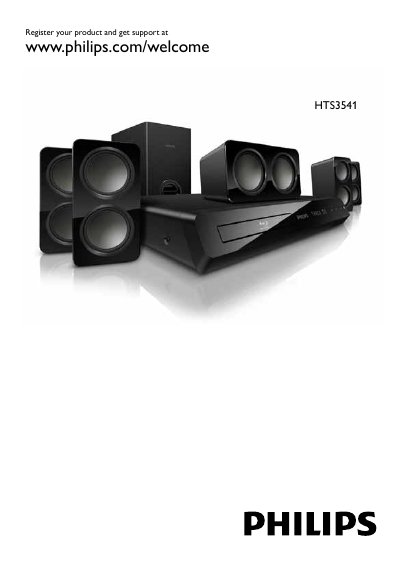
This manual covers the Philips HTS3541 home theater system, describing its components, remote control, and supported audio/video formats. It guides users through registration, safety precautions, and proper installation of speakers and other accessories.
Key sections include safety warnings, connecting the system to TV and audio devices, using the remote control, software updates, specifications, and a troubleshooting guide for common issues. This manual is written in Chinese.
| Supported video resolution | 1920 x 1080 pixels |
|---|---|
| Supported video frame rate | 6 ~ 30 fps |
| Supported audio codec (MP3) bitrate | 32 kbps ~ 320 kbps |
| Supported audio codec (AAC HE-AAC) bitrate | 192 kbps |
Visit www.philips.com/welcome and register the product online.
Software can be updated via the internet or by using a USB drive as described in the manual.
It supports video resolutions up to 1920 × 1080 pixels and frame rates from 6 to 30 fps.