
This document is a user manual for Philips HTS8562 Home Theater System.
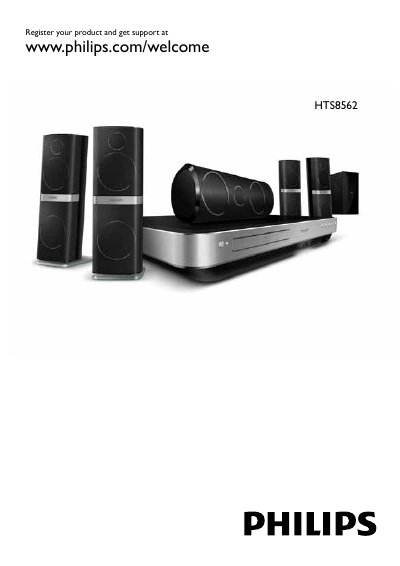
The Philips HTS8562 Home Theater User Manual provides step‑by‑step instructions for installing, configuring and using the system. It includes detailed guidance on connecting speakers, TV, HDMI, USB storage, network services and smart‑phone integration.
The manual also contains sections on software updates, on‑screen help, safety warnings, battery handling for the remote, and a full list of supported media formats, video resolutions and audio codecs, plus a troubleshooting guide for common fault types. This manual is written in Chinese.
| Maximum video resolution | 1920 × 1080 pixels |
|---|---|
| Supported video formats | AVCHD, BD, BD‑R/RE, DVD‑Video, DVD‑R/RW, DVD‑R DL, CD‑R/RW, Audio CD, VCD/SVCD, JPEG, MP3, WMA, DivX Plus HD, etc. |
| USB flash drive requirement | At least 35 MB, FAT or DOS format; USB hard drives not supported |
No. Only a USB flash drive with at least 35 MB capacity formatted as FAT or DOS can be used for software updates.