
This document provides the quick start guide and safety information for the Philips 5000 series Immersive Home Theater product.
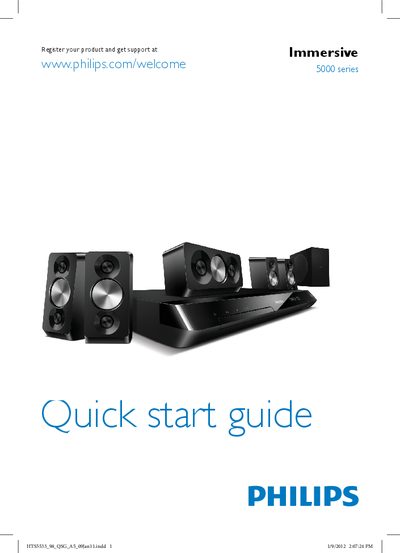
This Quick Start Guide provides the essential steps to get your Philips 5000 Series home theater up and running. It begins with safety information and instructions on registering the product for support.
The guide shows how to connect the system to a TV using HDMI ARC, HDMI + Optical, or HDMI + Coaxial, how to power on the unit, and how to complete the first‑time setup, including source selection and basic display settings.
| HDMI ARC connection | Supported |
|---|---|
| HDMI + Optical connection | Supported |
Press the power button to switch on the unit; the guide includes the power‑on procedure.