
Toshiba PDR-M81 Digital Still Camera Instruction Manual

This is the instruction manual for Toshiba PDR-M81 digital still camera
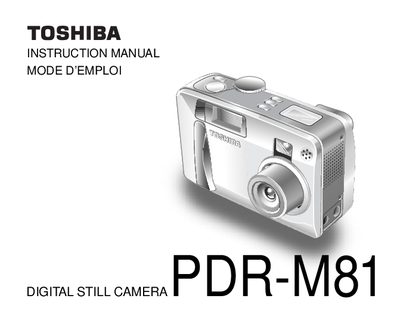

Toshiba PDR-M81 Digital Still Camera Instruction Manual - cover page
Brand
Toshiba
Category
Digital cameras
Document type
User Manual
Language
English
Pages
140
File format
PDF
File size
3.7 MB
Published
26 March, 2012
Updated
01 October, 2023
MD5 checksum
AF7086BEA66A1E5B0C05186E65028C2F

About this manual

This instruction manual is for the Toshiba PDR-M81 Digital Still Camera. It explains how to use the camera safely and correctly, including getting ready, taking photographs, playing back images, erasing images, and other applications.

The manual also covers basic settings, transferring images to a PC, separately sold accessories, connecting to other devices, specifications, warnings and messages, troubleshooting, and a glossary.

What's inside

  • Getting Ready
  • Taking Photographs
  • Playing Back Images
  • Erasing Images
  • Handy Functions
  • Other Applications
  • Additional Information
  • Specifications
  • Warnings and Messages Displayed on LCD Monitor
  • Troubleshooting

Frequently asked questions

What is the model number of the camera?

The model number is PDR-M81.

What type of memory card does the camera use?

The camera uses SmartMedia™.

Can images be transferred to a personal computer?

Yes, images can be transferred to a PC using the separate Software Manual.

What should you do if the camera causes harmful interference to radio or television reception?

Try to correct the interference by reorienting the antenna, moving the equipment, plugging it into a different outlet, or consulting a dealer or technician.

What is the FCC compliance class for this device?

This equipment complies with the limits for a Class B digital device.

Download PDF (3.7 MB)

More Toshiba Manuals


View all Toshiba manuals →