
This document is the instruction manual for the Toshiba PDR-M65 or PDR-M61 digital still camera, providing information on safe and correct usage, basic photography, playback/erasing images, other applications, and additional information.
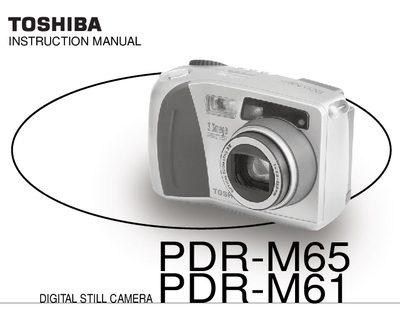
This manual explains how to use the Toshiba PDR-M65 and PDR-M61 digital still cameras safely and correctly. It includes safety precautions, preparation steps, battery installation, SmartMedia handling, and power management.
Detailed sections cover basic photography functions, playback, image management, and additional features such as flash, zoom, self‑timer, and manual exposure. The guide also provides troubleshooting tips, warning messages, and contact information for technical support.
Use the write‑protection feature on the SmartMedia card and follow the instructions for enabling and disabling protection.
Press the power button to turn the camera on, and press it again to turn it off.