
This manual describes how to use the Toshiba PDR-5300 Digital Still Camera.
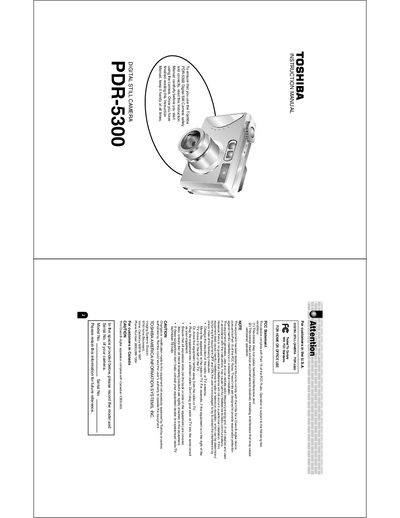
This manual begins with safety precautions, proper handling of the camera, battery, and AC adapter, and a list of included accessories. It explains how to avoid hazards such as water intrusion, electrical shock, and radio‑frequency interference, and gives guidance on storing the camera and batteries safely.
The later sections cover camera operation: turning the power on/off, menu navigation, photography modes, flash, focus, exposure, and image playback. It also describes connecting the camera to a PC (Windows or Macintosh), using the supplied software, firmware upgrades, and troubleshooting tips.
| Battery type | Lithium‑ion (PDR‑BT3) |
|---|---|
| Battery nominal capacity | 1035 mAh |
| Battery operating temperature | +41 °F (45 °C) to +104 °F (440 °C) |
| Battery dimensions | 35.2 mm × 63.0 mm × 7.0 mm (W × H × D) |
| Battery weight | ≈ 289 g |
| AC adapter input voltage | 100 V to 240 V AC, 50/60 Hz |
| AC adapter output | 5 V DC, 3 A |
Store the battery in a cool, dry place with a surrounding temperature of +59 °F (15 °C) to +77 °F (25 °C).