
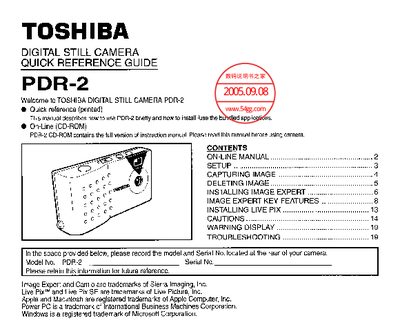
This Quick Reference Guide gives concise directions for using the Toshiba PDR-2 digital still camera. It covers basic setup, how to capture and delete images, and installing the Image Expert software from the included CD-ROM.
Key sections include setup of the battery, SmartMedia and PC Card, operation of the power, mode, shutter, display and erase buttons, troubleshooting tips, and warning displays shown on the LCD.
| Shots remaining display | Shown on LCD |
|---|
Insert the PDR-2 CD‑ROM, select your language, then click the “Image Expert Installation” icon and follow the setup prompts.
Press and hold the erase button for about 5 seconds until the “All” indicator flashes, then press the shutter button to erase all images.
A flashing green LED means the camera is over‑ or under‑exposed.