
TOSHIBA DIGITAL STILL CAMERAPDR-M71 INSTRUCTION MANUAL

This document provides instructions and precautions for using the Toshiba PDR-M71 Digital Still Camera.
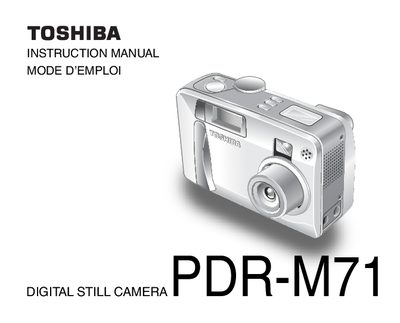

TOSHIBA DIGITAL STILL CAMERAPDR-M71 INSTRUCTION MANUAL - cover page
Brand
Toshiba
Category
Other
Document type
User Manual
Language
English
Pages
140
File format
PDF
File size
4.3 MB
Published
26 March, 2012
Updated
29 September, 2023
MD5 checksum
71D4EC91EAFD9573745418DC652956AE

About this manual

This manual provides safety precautions, handling instructions, and detailed operating procedures for the Toshiba PDR‑M71 digital still camera. It covers everything from attaching accessories and installing batteries to configuring the LCD monitor and complying with FCC regulations.

The guide walks users through basic photography functions, various shooting modes, image playback, and image erasing, as well as SmartMedia™ card handling and global support contacts.

What's inside

  • Safety Precautions
  • Getting Ready – Accessories and Batteries
  • Using the Power Outlet
  • Taking Photographs – Modes and Settings
  • Playing Back Images
  • Erasing Images
  • LCD Monitor Display
  • SmartMedia™ Handling
  • Global Contacts

Frequently asked questions

How can I format the SmartMedia™ card?

Select the option "Formatting SmartMedia™" in the menu (refer to page 91 for the procedure).

Where can I register my PDR‑M71 camera for support?

Register the product online at www.toshiba.com/taisisd and contact technical support via the listed phone numbers or email addresses.

Download PDF (4.3 MB)

More Toshiba Manuals


View all Toshiba manuals →