
This document is a user manual for the WX320T telephone model, including precautions before use, usage conditions, and introduction to related functions.
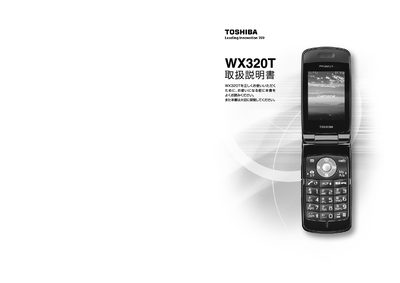
This manual explains how to safely use the Toshiba WX320T PHS phone. It includes important safety notices, the requirement to have a contract with Willcom, and guidance on handling the device in areas with weak signal. The document also advises on proper disposal of the phone, battery pack, and AC adapter.
The guide covers the phone’s basic functions such as making and receiving calls, using the address book, text input methods, email, internet browsing, camera operation, and security features like remote lock and caller ID settings. Detailed instructions are provided for inserting a microSD card, adjusting display settings, and using the built‑in camera and recorder. This manual is written in Japanese.
The WX320T can only be used after signing a contract with Willcom, which includes a setup fee and monthly charges.
The phone includes a remote‑lock feature that can be activated to lock the device in case of loss or theft.
Insert the microSD card into the designated slot, and remove it by pulling it out from the same slot.