
None
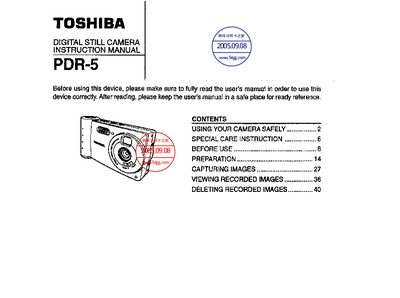
This manual explains safe handling of the PDR-5 camera, including warnings about battery safety, moisture, temperature, and prohibited actions such as disassembly, use while driving, or exposure to water. It also details special care instructions for cleaning, storage, and using the AC adapter.
The later sections cover basic operation—pre‑use preparation, capturing and viewing images, deleting recordings—and list the camera’s technical specifications such as power source, sensor type, lens, shutter speed, and dimensions.
| Power source | Lithium battery (CR123A), external 3 V via AC adapter |
|---|---|
| Capturing element | 1/4 inch CMOS image sensor (350,000 pixels) |
| Compression system | JPEG |
| File format | Exif Ver. 2.1 |
| Recording media | 3.3 V SmartMedia |
| Lens | F2.5, 4 mm focal length (equivalent to 39 mm on 35 mm film) |
| Shutter speed | 1/8 – 1/2000 s |
| Exposure | ISO 100 equivalent |
| Image range | Normal 50 cm – <2 m, Macro 10 cm – 20 cm |
| White balance | Automatic, manual (fluorescent, incandescent, outdoor) |
| Monitor | 2.5 inch color reflective LCD |
| Flash | Built‑in with automatic, mandatory, red‑eye, and none modes |
| PC interface | PC card interface, digital output |
| Operating temperature | +5 °C to +40 °C |
| Outer dimensions | 116.5 mm × 63 mm × 31 mm (W × H × D) |
| Weight | ≈ 180 g |
No, the manual explicitly states that the camera should not be used while driving.
The camera uses a lithium CR123A battery, and an external 3 V AC adapter can also be used.
Set the REC‑PLAY switch to REC, open the menu, select delete mode, choose the last image, and press the shutter button fully to delete it.