
V3013 Series Embedded Network Digital Hard Disk Recorder is a good digital monitoring product, which adopts the most advanced technologies such as video / audio coding / decoding, hard disk recording and TCP / IP protocol, and also has the function of digital video recorder (DVR) and digital video server (DVS).
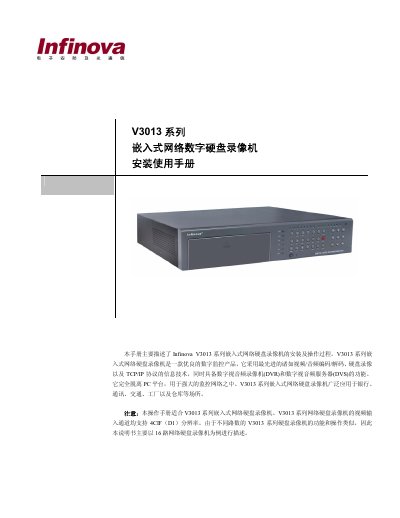
The V3013 series Embedded Network DVR is a digital surveillance device that combines video/audio encoding, hard‑disk recording and TCP/IP networking. It is designed for use in banks, telecom, factories, warehouses and other security‑critical environments.
This manual covers safety recommendations, installation steps, hardware connections, system configuration, network setup, and detailed operation of features such as video preview, recording, alarm handling, PTZ control and remote maintenance. Appendices provide technical specifications, wiring diagrams, troubleshooting tips and mouse‑operation guidance. This manual is written in Chinese.
| Supported video channels | 8 or 16 channels |
|---|---|
| Operating temperature | -10 °C to 50 °C |
| Storage temperature range | -10 °C to 70 °C |
| Video/audio compression | H.264 video, G.722 audio |
The V3013 series is available in 8‑channel and 16‑channel models, each channel supporting up to 4CIF (D1) resolution.
Install the DVR in a dry, well‑ventilated area, keep the operating temperature between -10 °C and 50 °C, and maintain a storage temperature between -10 °C and 70 °C.
Stop any ongoing recording, shut down the system through the menu, then turn off the rear‑panel power switch.