
This product is a CCD camera with automatic gain control, automatic focus and auto white balance. It is suitable for industrial inspection, machine vision and other fields.
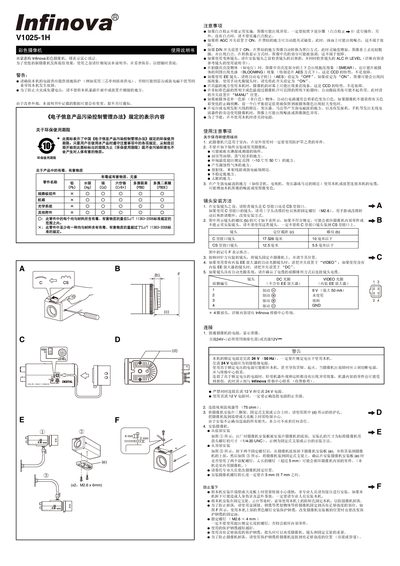
This manual provides safety guidelines, installation steps, and operating instructions for the Infinova V1025-1H color camera. It covers power requirements, lens mounting, wiring, and environmental restrictions to ensure reliable performance.
The document also details adjustment procedures such as white‑point calibration, level and ALC settings, and how to configure automatic functions like AGC, AES, and BLC. Technical specifications of the camera are listed for reference. This manual is written in Chinese.
| Imaging device | 1/3 inch CCD |
|---|---|
| Effective pixels | 752 x 582 |
| Sync mode | Internal sync |
| Scanning frequency | 15.625 kHz (H) x 50 Hz (V) |
| Resolution | 550 TV lines |
| Video output | Composite video 1 Vp‑p, 75 Ω, unbalanced |
| Video SNR | 50 dB (AGC OFF) |
| Minimum illumination (color) | 0.35 lx (F1.2, 25 %, AGC ON) |
| Minimum illumination (B&W) | 0.24 lx (F1.2, 25 %, AGC ON) |
| Lens interface | C/CS type |
| Power consumption | AC 24 V, 50/60 Hz or DC 12 V, 300 mA |
| Operating temperature | -10 °C to 50 °C |
| Recommended temperature | 0 °C to 40 °C |
| Weight | 340 g |
The camera can be powered from AC 24 V, 50 Hz (or 60 Hz) or from DC 12 V with a maximum current of 300 mA.
Cover the lens, power on the camera and pre‑heat for 30 minutes, then press the calibration switch for more than 2 seconds (do not use a metal rod). The function cannot guarantee correction of all white points.