
This document is the user manual for the DC-533 digital camera. It introduces the basic operating methods of the camera, including battery usage, taking pictures, editing pictures, and using the display screen as a viewfinder.
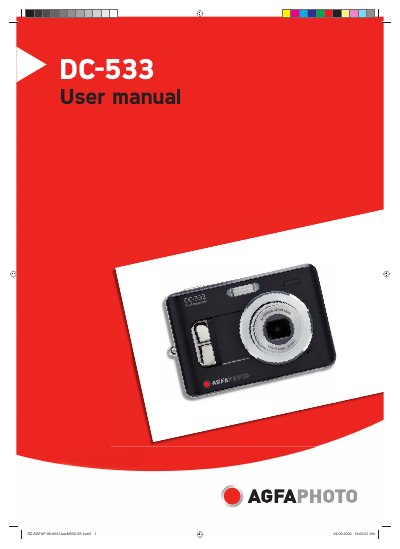
This manual explains how to set up and operate the AgfaPhoto DC-533 digital camera, covering basic functions such as power on/off, recording still images and video, using the flash, and navigating menus. It also includes instructions for inserting batteries and memory cards, connecting to a TV or PC, and installing the supplied software.
Safety precautions, battery care, disposal instructions, and regulatory compliance information are provided, along with a troubleshooting guide and full technical specifications of the camera. Customer support contact details are listed at the end of the document.
| Sensor | 5.0 megapixels CCD |
|---|---|
| Optical Zoom | 3X |
| LCD Monitor | 2.4" TFT color LCD |
| Battery Type | AA rechargeable Ni-MH (optional) |
| Dimensions | 89 x 60.5 x 28.1 mm |
| Weight (without battery) | Approx. 140 g |
For best performance and prolonged battery life, use AA lithium or rechargeable Ni‑MH batteries.
Clean the contacts with a clean and dry cloth before putting the batteries in the camera.
Make sure the batteries are inserted correctly, the battery compartment door is closed, and the batteries are charged or replaced.
Connect the camera to the computer with the supplied USB cable and install the USB driver before accessing the files.