
This document provides the user manual for OPTIMA 3 camera, including instructions for separate collection and proper disposal of electronic waste.
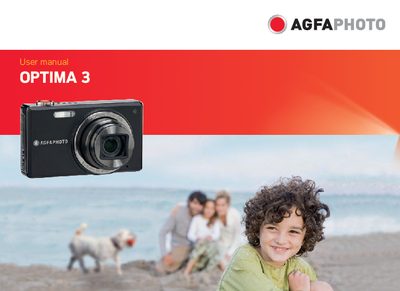
This manual introduces the AgfaPhoto OPTIMA 3 digital camera, covering safety precautions, battery handling, memory‑card preparation, and basic care. It also explains regulatory compliance (FCC, CE) and provides contact information for service and support.
The guide walks you through getting started – unpacking, charging the battery, inserting the SD/SDHC card, turning the camera on and off, and using the mode button. Detailed sections describe shooting modes, zoom, flash, exposure compensation, playback functions, menu navigation, and advanced features such as HDR and OIS stabilization.