
DC-500 User manual provides information on precautions before use, features of the product, usage instructions, and installation of the application.
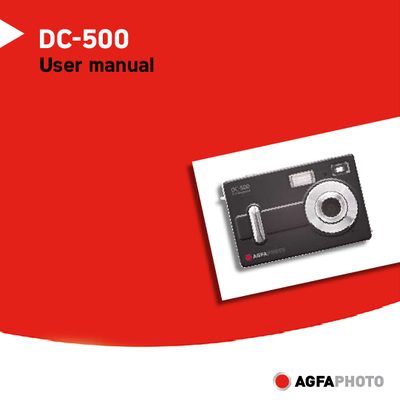
The AgfaPhoto DC-500 User Manual details the setup, operation, and specifications of the DC-500 digital camera. It includes safety precautions, battery and memory card loading, menu navigation, and troubleshooting guidance.
The manual covers content sections, usage preparations, application installation, specifications, and a Q&A section, with customer care information provided by the distributor plawa-feinwerktechnik GmbH.
| Sensor | CMOS sensor, 5 megapixel |
|---|---|
| Lens | F=2.8 f=8.4 |
| Focus range | 1.5M to infinity |
| Illumination | 100-16000 (lux) |
| Shutter speed | shutter 1/20-1/6000 s |
| Image resolution | high (2592 x 1944), medium (2048 x 1536), low (1600 x 1200) for image capture |
| Memory | Internal memory 16 MB image memory, external SD and MMC card compatible (1 GB) |
| Self-timer | 10 seconds |
| Zoom | 8x digital zoom |
Open the battery cover, insert 3 AAA new alkaline batteries according to polarity, then insert the memory card and close the cover.
Press the ON/OFF button until the operation LED lights; press for 2 seconds to turn off. The camera turns off automatically after 30 seconds of inactivity if not connected to USB.
The self-timer is set to 10 seconds.