
Microflex 100 User manual
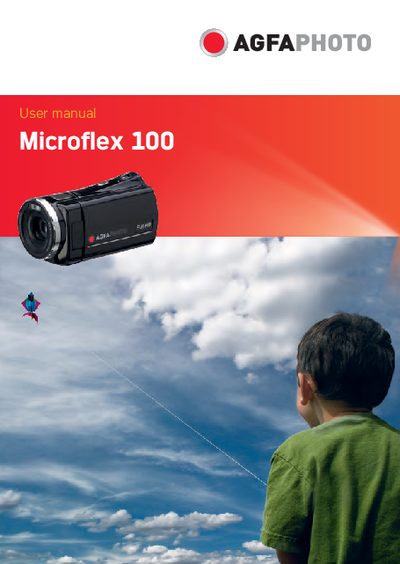
This manual guides users through the Microflex 100 digital video camera, covering system requirements, accessories, LCD display adjustment, and basic operation such as inserting an SD card, charging the battery, and using the touchscreen. It also details menu options, movie and voice recording modes, PC/TV connections, software installation, and specifications.
Additional sections address FCC compliance, RF interference mitigation, warranty disclaimer, and contact information for service and support. The document includes legal notices and licensing details for AgfaPhoto and its manufacturing partner.
Insert the SD card as described in section 2.1 of the manual.
Reorient or relocate the receiving antenna, increase the distance from the receiver, and use a shielded power cord.
The manual states it contains proprietary information protected by copyright and may not be reproduced without permission.