
OPTIMA 2338mT User Manual, introduces the features and usage of the camera, including system requirements, main functions, package contents, camera views, camera buttons, notifications, LED indicators, operating sounds, camera storage, getting started, modes, using the LCD screen, taking pictures, recording videos and audio, playback, setting menus, connecting cables, etc.
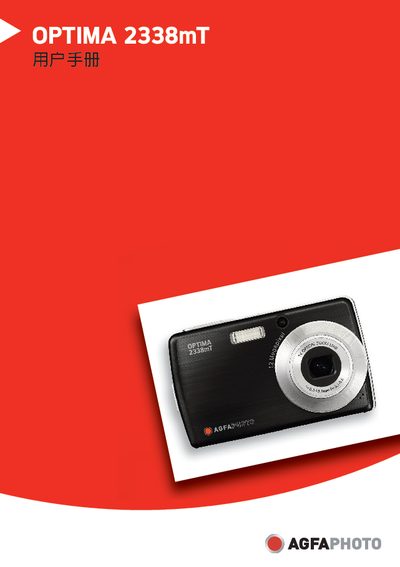
This manual explains how to set up and operate the AgfaPhoto OPTIMA 2338mT digital camera, covering power management, memory card usage, USB and PictBridge connections, and software compatibility. It also includes safety guidelines and troubleshooting tips.
The document contains technical specifications such as dimensions, weight, operating temperature, and supported memory card types, as well as detailed instructions for transferring images to Windows and Macintosh computers.
| Dimensions | 97.5 x 56.7 x 17.6 mm |
|---|---|
| Weight | 130 g |
| Operating Temperature | 0 °C – 40 °C |
| Supported Memory Card Types | SD, SDHC |
The camera supports SD and SDHC memory cards.
It can be used from 0 °C up to 40 °C.