
This manual is the user manual for OPTIMA 100 camera, which introduces the main functions, usage methods and precautions of the camera.
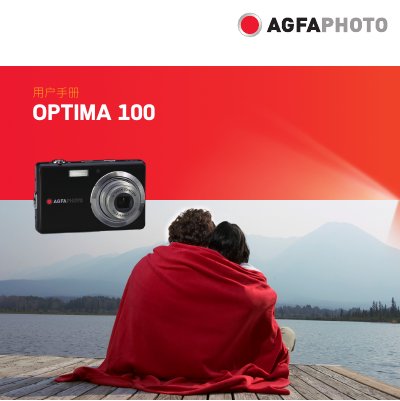
This user manual covers the AgfaPhoto OPTIMA 100 digital camera, a 10-megapixel device featuring a 2.7-inch LCD screen and 3x optical zoom. It guides users through initial setup, including battery installation, memory card usage, and power management.
The guide details how to operate the camera in various modes, capture photos and videos, and utilize advanced features like face detection and image stabilization. It also explains how to transfer images to a PC or display them on a TV using the included cables. This manual is written in Chinese.
| Resolution | 10 Megapixels |
|---|---|
| Sensor Type | 1/2.3 inch CCD |
| LCD Screen | 2.7 inch Color |
| Optical Zoom | 3x |
| Digital Zoom | 5x |
| Internal Memory | 32MB |
| Max SD Card | 4GB (SD) / 32GB (SDHC) |
| Dimensions | 90.1 x 56.8 x 18.8 mm |
| Weight | 105 g |
The camera supports SD cards up to 4GB and SDHC cards up to 32GB.
Options include 10M (3648 x 2736), 8M, 5M, 3M, 16:9 (1920 x 1080), and VGA.
The normal focus range is from 80cm to infinity.