
The document is a user manual for Microflex 102, describing the features and characteristics of the product.
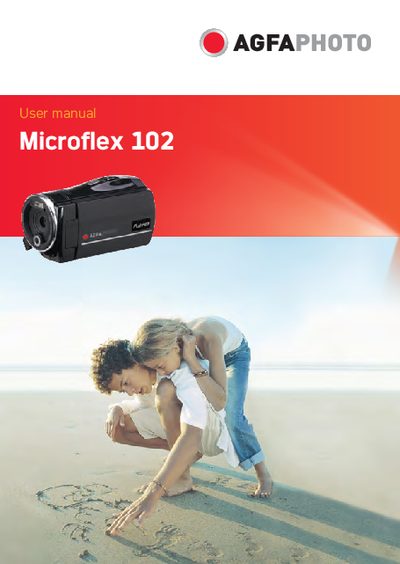
This manual guides users through the Microflex 102 digital camera, covering system requirements, basic functions, and menu navigation. It includes detailed sections on LCD display settings, camera modes, and connecting the device to a PC or TV.
Additional information covers FCC compliance, safety warnings, and customer support contacts, ensuring safe operation and assistance for any issues that arise.
Reorient or relocate the receiving antenna, increase the distance between the equipment and the receiver, use a different circuit, or consult a radio/TV technician.
Use the PC connection described in section 7.1, which explains how to connect the camera to a computer via the appropriate cable.