
Compact 100 User Manual is a digital camera user manual released by Canon. It introduces the camera's use methods and functional features.
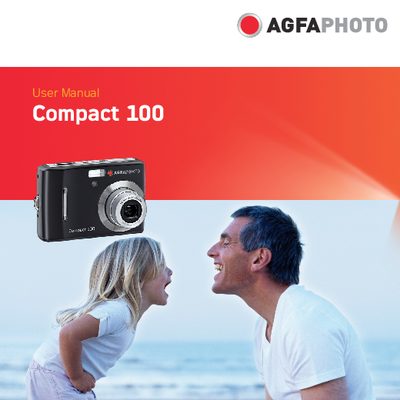
This manual guides you through the basic setup and everyday use of the AgfaPhoto Compact 100 digital camera. It includes safety and handling precautions, system requirements, and a description of the camera’s main features such as a 10‑megapixel sensor, 3× optical zoom, and a 2.7‑inch LCD monitor.
Detailed instructions cover attaching the wrist strap, inserting the battery and SD/SDHC memory cards, using the various shooting modes, navigating menus, and connecting the camera to external devices like a TV, PC, or printer. The manual also provides troubleshooting tips and specifications of the camera.
| Resolution | 10 megapixels |
|---|---|
| Optical Zoom | up to 3× |
| Digital Zoom | up to 5× |
| Image Sensor | 1/2.3 inch OCD |
| LCD Monitor | 2.7‑inch color |
| Internal Flash Memory | 32 MB |
| SD Card Support | up to 4 GB |
| SDHC Card Support | up to 32 GB |
Turn off the camera before installing or removing the battery and use only the provided battery and charger.
Do not take the camera apart, avoid moisture and extreme temperatures, do not touch the lens, keep it out of direct sunlight, and clean it with a slightly damp soft cloth.
Use the TV Out setting in the Setup Menu to connect the camera to a television.