
This AgfaPhoto Compact 103 user manual introduces the main features and usage methods of the camera.
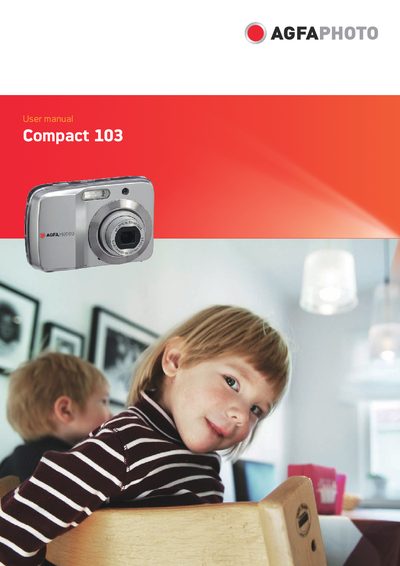
This manual guides you through using the AgfaPhoto Compact 103 digital camera, covering everything from unpacking to advanced shooting modes. It includes safety precautions, system requirements, and detailed descriptions of the camera's buttons, touch screen, and menu functions.
The guide also explains how to connect the camera to external devices such as a TV, PC, or printer, and provides troubleshooting tips, battery handling advice, and warranty information.
| Resolution | 12 megapixel |
|---|---|
| Optical Zoom | 4x optical |
| Digital Zoom | 5x digital |
| LCD Screen | 2.7 inch color touch screen |
| Internal Memory | 32 MB flash |
| SD Card Support | Up to 4 GB SD |
| SDHC Card Support | Up to 32 GB SDHC |
| Processor Requirement | Pentium II 450 MHz or above |
| Memory Requirement | 512 MB or above |
| Hard‑disk Space Requirement | 200 MB or above |
Use the power button as described in the “Turning the Power On and Off” section.
Only the provided batteries or the exact type that came with the camera should be used; other batteries may damage the equipment.
Connect the camera to a TV using the AV cable as explained in the “Connecting the Camera to a TV” section.