
This is the user manual of eclipse EXPLORER 2, which introduces the camera's usage method in detail.
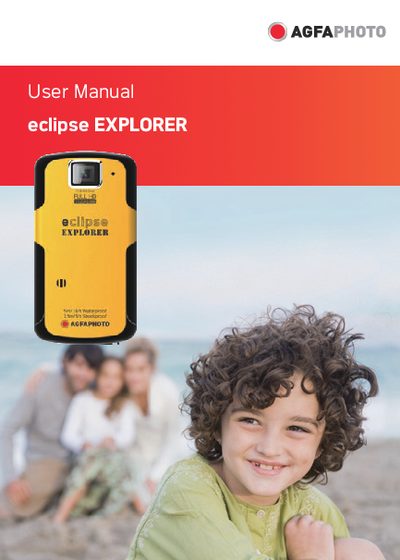
This manual explains safety precautions, how to get started, and basic operation of the AgfaPhoto eclipse EXPLORER digital video camera, including charging, inserting an SD card, turning the device on and off, and adjusting language and date settings.
It also covers menu and photo/movie setup options, connection methods such as HDMI and USB, specifications, error messages, troubleshooting steps, and customer‑care contact information.
Select the language option in the menu; the manual lists a "Set Display Language" entry.
Connect the camera to a power source using the supplied charger; see the "Charging" section of the manual.