
This is an MP3 player that supports Mini SD cards and can add up to 8GB of additional memory
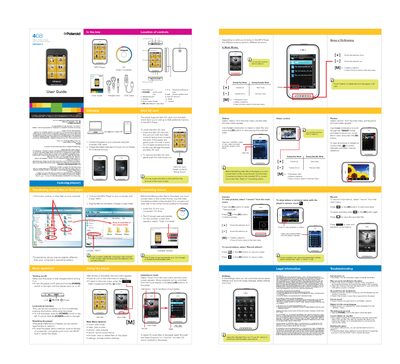
This guide explains how to charge the device, connect it to a computer, and navigate the main menu to play music, videos, photos, record voice memos, and use the built‑in camera. It also covers lock/unlock functions, resetting the player, and customizing settings such as backlight time and power‑off options.
The manual details how to insert and remove a Mini‑SD card for up to 8 GB of extra storage, use the supplied video converter to prepare media files, and provides troubleshooting steps for common issues like power problems, file transfer errors, and audio or display glitches. Legal and recycling information are included at the end.
| Display size | 2.8" Touch Display |
|---|---|
| Battery charging time | 3‑5 hours (max 8 hours) |
| Maximum SD card capacity | 8 GB |
Slide and hold the POWER switch to the right until the display turns on or off.
Insert a metal pin (e.g., the end of a paperclip) into the RESET hole to restart the player.
Insert the Mini‑SD card into the card slot with contacts facing down and push it in until it clicks.
Charge the battery for 3‑5 hours and do not exceed 8 hours.