
The document provides information about the installation, PDF manual, registration, safety instructions, introduction, connection, software usage, monitor adjustment, troubleshooting, specifications, information, and appendix for the Samsung SyncMaster 400DX / 460DX model. It includes information on the installation, usage, maintenance, and specifications of the monitor.
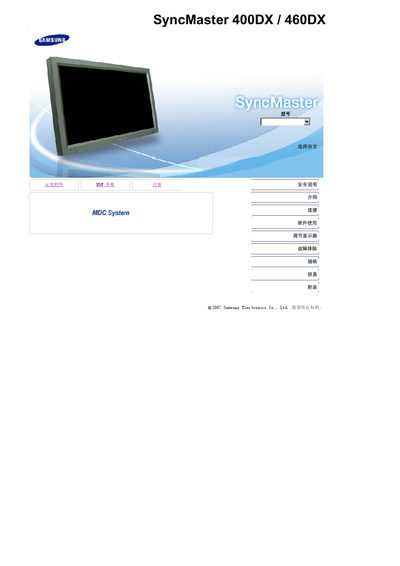
This manual covers safety precautions, proper installation, and handling of the SyncMaster 400DX/460DX LCD monitor. It explains how to connect power and video cables, use the remote control, and select input sources such as PC, DVI, HDMI, and AV.
It also details how to adjust picture settings, use picture‑in‑picture, clean the screen safely, and troubleshoot common issues. Contact information for Samsung service centers worldwide is provided in the appendix. This manual is written in Chinese.
| Screen size (40 inch) resolution | 1360 x 768 |
|---|---|
| Screen size (46 inch) resolution | 1360 x 768 |
Wipe the case and LCD surface with a slightly damp soft‑fiber cloth and a mild diluted detergent; do not use water directly on the screen.