
This document introduces the safety instructions of SyncMaster 205BW, including connection, installation and cleaning.
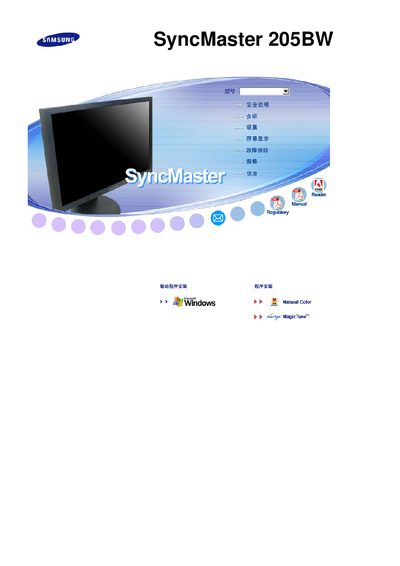
This manual covers safety precautions, installation steps, and basic operation of the Samsung SyncMaster 205BW LCD monitor. It includes wiring diagrams, power‑on procedures, and instructions for adjusting picture settings.
Additional sections provide technical specifications, such as native resolution, and a troubleshooting guide with status codes and error messages to help resolve common issues.
| Resolution | 1680 x 1050 |
|---|
The monitor’s native resolution is 1680 × 1050 pixels.