
This document is about the installation and usage instructions for the SyncMaster 204B monitor. It includes safety precautions to be taken while using the monitor, such as correctly using the plug and not placing the monitor on an unstable surface. It also provides guidelines for cleaning the monitor.
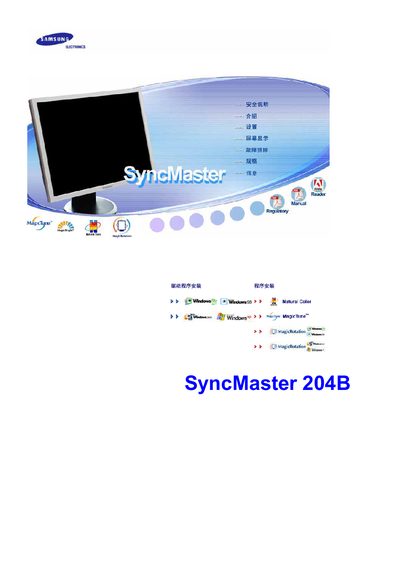
This manual covers safety warnings, proper installation, and maintenance for the Samsung SyncMaster 204B LCD monitor. It explains how to set up the monitor, connect power safely, and install optional wall‑mount brackets, as well as recommended cleaning methods.
The guide also describes the on‑screen display (OSD) functions, MagicTune and MagicRotation software, and provides troubleshooting tips for image retention, power‑saving modes, and common issues. Technical specifications such as screen size, resolution, and refresh rate are listed for reference. This manual is written in Chinese.
| Screen size | 20 inches (51 cm) |
|---|---|
| Resolution | 1600 x 1200 |
| Vertical refresh rate | 60 Hz |
| Panel type | TFT‑LCD |
| Pixel count | 5,760,000 |