
This document introduces the safety precautions for using SyncMaster 223BW / 216BW products, including the use of environment, power connection, installation, cleaning and use.
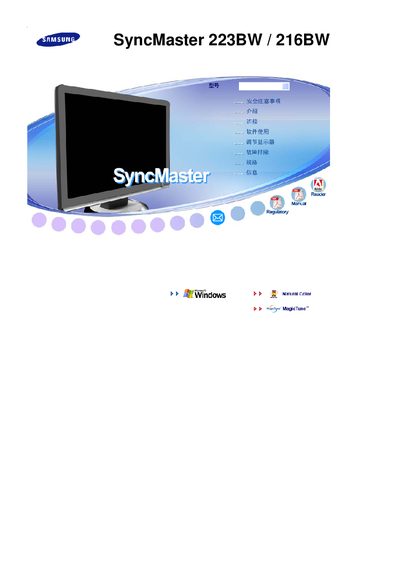
This manual covers the basic installation steps for connecting the SyncMaster 223BW/216BW monitors to a Windows PC, including the use of Samsung's MagicTune™ feature for picture adjustment. It also describes the on‑screen display (OSD) controls and how to access the monitor's settings.
Additional sections explain how to verify system status, interpret status messages such as "STATUS: OK", and provide technical specifications like screen size and native resolution. Troubleshooting tips are included to help resolve common display issues.
| Screen size | 21.6 inches |
|---|---|
| Resolution | 1680 x 1050 |
The monitor supports a native resolution of 1680 × 1050.
The manual shows a status line such as "STATUS: OK" indicating the monitor is operating correctly.