
SyncMaster 215TW is a high-resolution PC monitor with DPMS technology, offering excellent display quality and a wide viewing angle. The monitor features a 24-inch screen with various connectivity options and adjustable settings. It utilizes TFT-LCD technology to provide clear and detailed image display.
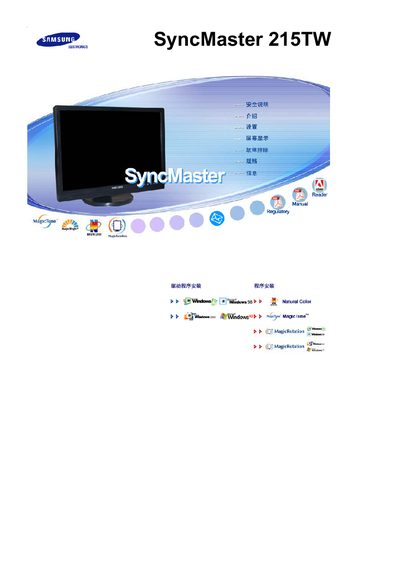
This manual covers important safety warnings, proper installation steps, and handling instructions for the SyncMaster 215TW LCD monitor. It explains how to mount the unit, connect power and video cables, and configure display settings.
Additional sections describe routine cleaning, maintenance procedures, how to avoid image retention, and warranty information. The guide also includes troubleshooting tips and recommended usage patterns to extend the monitor’s lifespan. This manual is written in Chinese.
| Resolution | 1680 x 1050 |
|---|---|
| Panel type | TFT‑LCD |
| ISO compliance | ISO 13406‑2 II |