
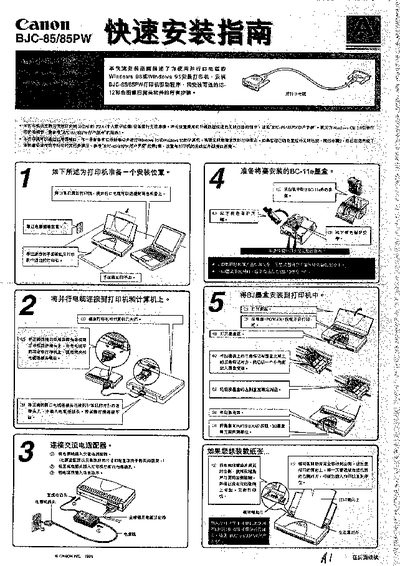
Canon BJC-85/85PW Installation Guide


Canon BJC-85/85PW Installation Guide - cover page
Brand
Canon
Category
Printer
Document type
Quick Start Guide
Language
Chinese
Pages
10
File format
PDF
File size
787 KB
Published
23 March, 2012
Updated
29 March, 2012
MD5 checksum
E79511B912C5B375FA268B4257AA05C6

About this manual

This guide walks you through preparing a location for the BJC-85/85PW printer, connecting power and USB cables, and installing the printer driver and optional IS‑12 colour scan head software. It includes step‑by‑step instructions for Windows 95/98, with screenshots of the driver installation process.

Additional sections cover troubleshooting USB driver issues, removing unnecessary USB drivers, and safely powering down and disconnecting the printer after installation. This manual is written in Chinese.

What's inside

  • Preparing the printer location
  • Connecting power and USB cables
  • Installing the printer driver
  • Installing optional IS‑12 scan head software
  • USB driver troubleshooting
  • Removing unnecessary USB drivers
  • Shutting down and disconnecting the printer

Frequently asked questions

How do I install the printer driver on my computer?

Run the driver installer and follow the on‑screen prompts to complete the installation of the printer driver.

How can I remove unnecessary USB drivers after installation?

Open Device Manager, locate the unwanted USB driver entries, select them and click Remove, being careful not to delete required devices.

How do I disconnect the printer after installation?

Turn off the printer, unplug the USB cable from both the printer and the computer, then restart Windows.

Download PDF (787 KB)

More Canon Manuals


View all Canon manuals →