
SMC6224M/SMC6248M is a 10/100 24/48-port stackable managed switch from SMC, supporting 24/48 auto-MDI/MDI-X 10BASE-T/100BASE-TX ports, 2 Gigabit RJ-45 ports and 2 SFP transceiver slots, stacking, non-blocking switching architecture, Spanning Tree Protocol and Rapid STP, LACP or static 8-port trunks, RADIUS and TACACS+ authentication, bandwidth management, CoS support, GVRP, IP Multicasting and IGMP Snooping, manageable via console, Web and SNMP/RMON
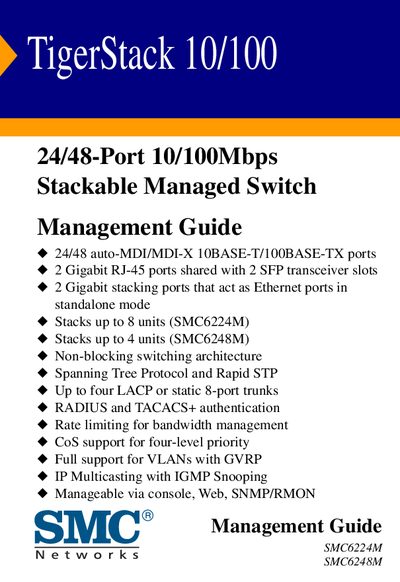
This guide covers the TigerStack 10/100 series, a stackable managed switch offering 24 or 48 auto‑MDI/MDI‑X 10/100Mbps ports, two Gigabit RJ‑45 ports, and two Gigabit stacking ports. It details key features such as non‑blocking architecture, VLAN support, and authentication methods.
The manual walks users through initial setup, console and web‑based management, SNMP configuration, security settings, firmware updates, and troubleshooting stack operations. Warranty and support information are also included.
| Port Count | 24 or 48 auto‑MDI/MDI‑X 10/100Mbps ports |
|---|---|
| Gigabit Ports | 2 RJ‑45 ports shared with 2 SFP slots |
| Stacking Ports | 2 Gigabit stacking ports (also Ethernet in standalone mode) |
| Maximum Stack Size | Up to 8 units (SMC6224M) or 4 units (SMC6248M) |
| Switching Architecture | Non‑blocking |
| Management Interfaces | Console, Web, SNMP/RMON |
The 24‑port model (SMC6224M) can stack up to 8 units, while the 48‑port model (SMC6248M) can stack up to 4 units.
The switch can be managed through a console connection, a web interface, or via SNMP/RMON.