
Key facts
- Brand
- SMC
- Model
- TigerStack 10
- Category
- Network Switches
- Industry
- Computers
- Documents
- 2
- Languages
- EN
- Last added
- 2012-03-20
Start here
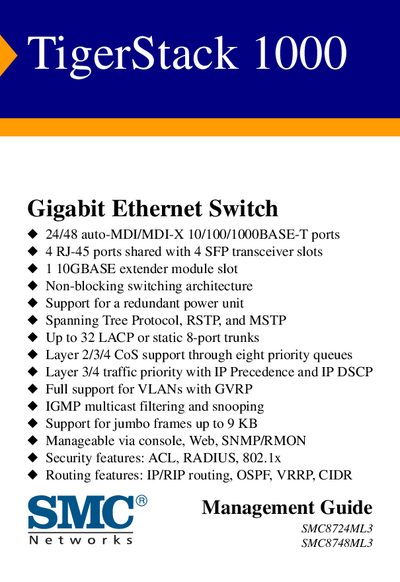
SMC TigerStack 1000 Management Guide
This guide introduces the TigerStack 1000 Gigabit Ethernet switch, detailing its key features such as 24/48 auto‑MDI/MDI‑X ports, redundant power support, and advanced Layer 2/3/4 capabilities. It also outlines warranty information and contact details for SMC technical support.
The manual covers initial setup, console and web‑based configuration, SNMP management, stacking operations, firmware updates, and troubleshooting. Detailed tables of contents help users navigate topics like IP addressing, VLANs, jumbo frames, and SNMPv3 security settings.
SMC TigerStack 10 specifications
| Port Count | 24/48 auto‑MDI/MDI‑X 10/100/1000BASE‑T ports |
|---|---|
| SFP Slots | 4 RJ‑45 ports shared with 4 SFP transceiver slots |
| 10GBASE Extender | 1 slot |
| Switch Architecture | Non‑blocking |
| Redundant Power | Supported |
| Spanning Tree Protocols | STP, RSTP, MSTP |
| Link Aggregation | Up to 32 LACP or static 8‑port trunks |
| CoS Support | Eight priority queues, Layer 2/3/4 |
| Jumbo Frames | Up to 9 KB |
| Management Interfaces | Console, Web, SNMP/RMON |
All SMC TigerStack 10 documents by type
Day-to-day operation, settings and troubleshooting. Start here if the product is already set up.
Questions answered in these manuals
How many Ethernet ports does the TigerStack 1000 provide?
The switch offers either 24 or 48 auto‑MDI/MDI‑X 10/100/1000BASE‑T ports.
What management methods are supported?
The device can be managed through a console connection, a web interface, or SNMP/RMON.
What is the maximum number of units that can be stacked?
The 24‑port model (SMC6224M) can stack up to 8 units, while the 48‑port model (SMC6248M) can stack up to 4 units.
How can the switch be managed?
The switch can be managed through a console connection, a web interface, or via SNMP/RMON.