
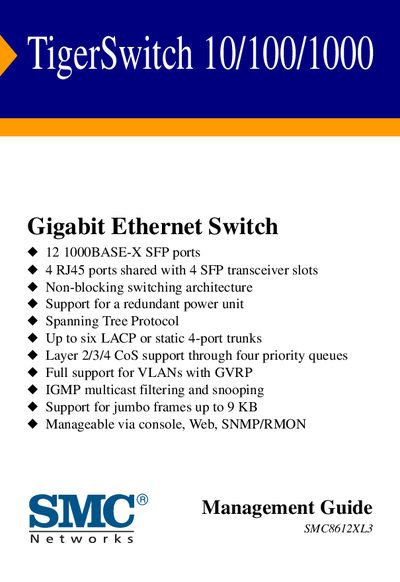
This manual covers the TigerSwitch 10/100/1000 Gigabit Ethernet switch, detailing its hardware features such as 12 SFP ports, 4 RJ45 ports, non‑blocking architecture and support for redundant power. It explains networking protocols and management capabilities, including VLANs, LACP trunks, CoS queues, IGMP filtering and jumbo‑frame handling.
The guide walks users through initial installation, console and web‑based configuration, SNMP/RMON management, security settings (SSH, 802.1x, ACLs) and firmware updates. Warranty information and technical support contacts are also provided.
| SFP ports | 12 1000BASE‑X |
|---|---|
| RJ45 ports | 4 (shared with 4 SFP slots) |
| Switching architecture | Non‑blocking |
| Redundant power support | Yes |
| Spanning Tree Protocol | Supported |
| LACP/static trunks | Up to six 4‑port trunks |
| CoS support | Layer 2/3/4 with four priority queues |
| VLAN support | Full support with GVRP |
| IGMP filtering | Multicast filtering and snooping |
| Jumbo frames | Up to 9 KB |
| Management interfaces | Console, Web, SNMP/RMON |
The TigerSwitch provides twelve 1000BASE‑X SFP ports.
The switch can be managed via a console connection, a web interface, and SNMP/RMON.
Yes, it supports jumbo frames up to 9 KB in size.