
This document is a specification sheet for a laptop computer. The laptop computer is manufactured by ASUS and the model is Pundit P3-PE5. The laptop computer has a 5.25-inch optical drive, USB 2.0 ports, CompactFlash, Secure Digital MultimediaCard, Memory Stick/Pro and SmartMedia memory card slots, PS/2 mouse port, PS/2 keyboard port, LAN (RJ-45) network port, VGA display port, SATA port and USB 2.0 port. The laptop computer's CPU is an Intel Core 2 Duo D945, the memory is 2GB DDR2 SDRAM, and the hard disk is a 160GB SATA hard disk. The laptop computer has a 15.6-inch wide-screen LCD display with a resolution of 1366*768. The laptop computer's operating system is Windows XP Home Edition SP3.
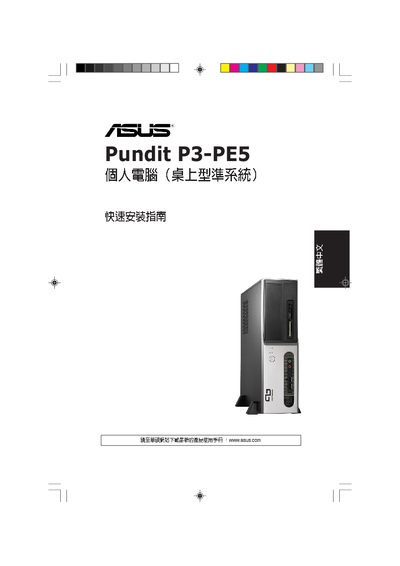
The guide walks you through opening the case, removing side and front panels, and installing core components such as the CPU, CPU fan, expansion cards, optical drive, and SATA hard drive. Detailed steps include positioning the CPU on the LGA775 socket, attaching the fan with four screws, and securing expansion cards.
After hardware installation, the guide explains how to reconnect power, reattach the side and front panels, and verify that all connections (LAN, USB, CompactFlash, SD) are properly seated before powering on the system. This manual is written in Chinese.
| CPU socket type | LGA775 |
|---|---|
| Memory type | DDR2 DIMM |
Place the fan over the CPU, align the four mounting holes with the motherboard, and secure it with a Phillips‑head screwdriver.