
This document introduces the BIOS settings for AS-D570 2 T1774 1.22 1.24
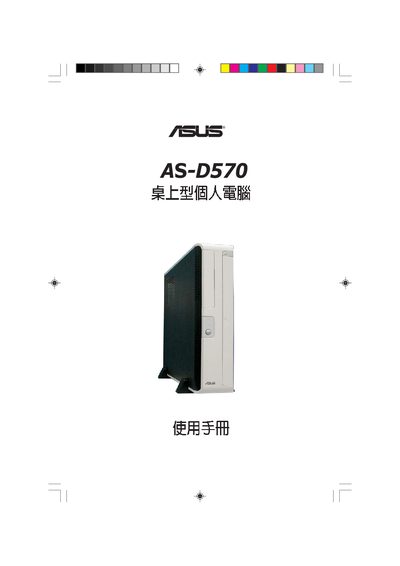
This manual covers the complete setup of the ASUS AS-D570 desktop, including hardware installation, BIOS navigation, power‑management settings, and recovery options. It is intended for end users who need to configure the system and perform basic maintenance.
Key sections include BIOS Setup (system time, date, and device configuration), Power Management (Suspend Mode, ACPI support), Boot Device Priority, USB and CPU configuration, Jumper Mode settings, and the Recovery CD procedures for restoring Windows XP.
| Suspend Mode | AU |
|---|---|
| ACPI 2.0 Support | NO |
| ACPI APIC Support | Enabled |
| Jumper Mode | Default (Jumper Free) |
It can recover Windows XP to the first partition only or to the entire hard drive.
Use the "Boot Device Priority" menu in the BIOS setup.
Set ACPI APIC Support to Enabled in the BIOS configuration.