
AS-D692 Motherboard User's Manual
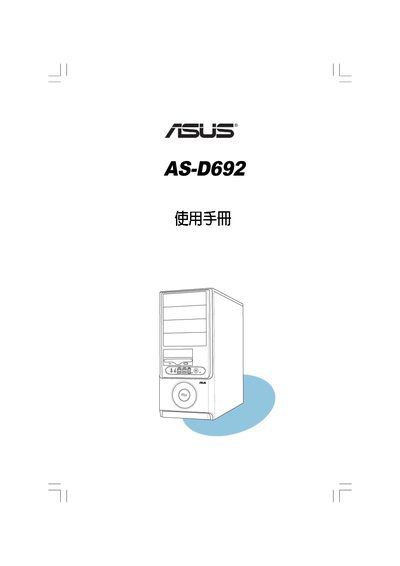
The ASUS AS-D692 desktop computer manual guides users through system overview, hardware installation, and initial setup. It includes safety warnings, connection checks, and step‑by‑step procedures for assembling the system.
Key sections cover system introduction, detailed hardware installation steps, BIOS configuration options, and troubleshooting tips. The document also explains how to manage passwords, reset BIOS settings, and safely power the machine. This manual is written in Chinese.
| Legacy Diskette A | 1.44M, 3.5 in. |
|---|---|
| ACPI 2.0 Support | No |
| Suspend Mode | Auto |
Use the "Clear User Password" option in the BIOS menu to remove the stored password.
Select "Discard Changes" and confirm with Yes to leave the BIOS without applying any modifications.