
AS-D670 Motherboard User's Manual
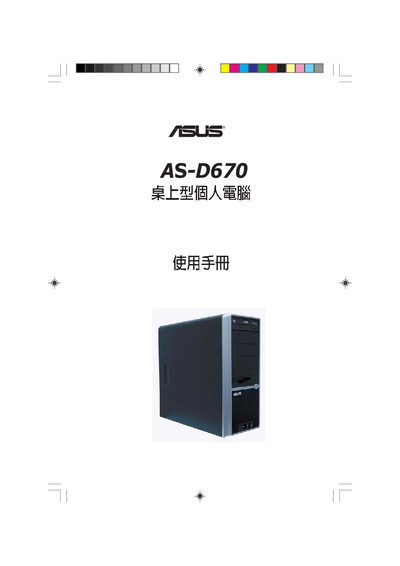
This manual begins with safety information and an overview of the product, then guides the user through motherboard and CPU installation, power‑management settings, and jumper configuration. It also explains BIOS setup, including updates via AFUDOS or EZ Flash, and details advanced power‑management options.
Later sections cover operating‑system installation, driver selection, and the use of the Recovery CD to restore Windows XP or MS‑DOS environments. Contact information for ASUS technical support in various regions is provided at the end of the document. This manual is written in Japanese.
The Recovery CD can restore MS‑DOS with CD‑ROM support, recover Windows XP to the first partition only, or recover Windows XP to the entire hard drive.