
This manual provides installation instructions for the V-Series ASUS PC (Desktop Barebone).
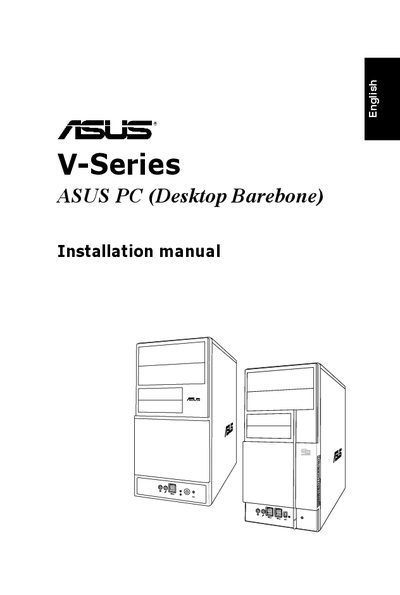
This guide provides step‑by‑step instructions for assembling the ASUS V-Series desktop barebone. It describes the front and rear panel connectors, including USB 2.0 ports, VGA, parallel, LAN, and optional ports such as IEEE 1394a, DVI, and S/PDIF. The manual also explains how to select the correct input voltage using the power‑supply selector switch.
Detailed procedures cover removing the side cover, installing Intel® Pentium® 4 or AMD CPUs, attaching the CPU fan and heatsink, inserting DIMM modules, and fitting expansion cards. Safety cautions and notes about model‑specific variations are included throughout.
| 5.25‑inch drive bay | present |
|---|---|
| 3.5‑inch drive bay | present |
| USB 2.0 ports (front) | multiple |
| USB 2.0 ports (rear) | up to four |
| VGA port | present |
| Parallel port | present |
| LAN (RJ‑45) port | present |
| DVI port (optional) | optional |
| Optical S/PDIF Out port | present |
Unplug the power supply to avoid damage to the motherboard or components.