
The document provides information about the features and characteristics of the T2-PE1 product by ASUSTeK COMPUTER INC., including USB 2.0 interfaces, 250W PFC power supply, IEEE 1394a interface, 10/100 LAN, S/PDIF, CPU socket, 3.5-inch and 5.25-inch drive bays, Serial ATA interface, and more.
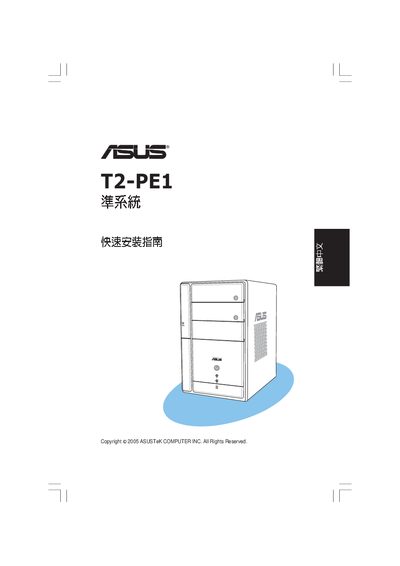
The guide begins with a list of package contents, including a 250 W PFC power supply, six USB 2.0 ports, two IEEE 1394a ports, a 10/100 LAN connector, SPDIF output, VGA, PS/2 and drive bays. Safety warnings emphasize removing the chassis and disconnecting all power before proceeding.
Installation steps cover removing the chassis, detaching the power supply, installing the CPU and CPU fan, inserting DDR DIMM memory modules, mounting the hard‑drive bays, and connecting all front‑panel and peripheral cables. The document also explains how to select the appropriate input voltage (default 230 V, selectable 100‑127 V or 200‑240 V). This manual is written in Chinese.
| Power Supply Capacity | 250 W PFC |
|---|---|
| USB 2.0 Ports | 6 |
| IEEE 1394a Ports | 2 |
| LAN Interface | 10/100 |
| SPDIF Output | Present |
| VGA Port | Present |
| 3.5" HDD Bay | 1 |
| 5.25" Drive Bays | 2 |
| Memory Type | DDR DIMM |
| CPU Fan Header | Present |
| Input Voltage (default) | 230 V |
First remove the chassis, then disconnect all power‑supply cables and unscrew the power‑supply unit before lifting it out.
The T2‑PE1 provides six USB 2.0 ports.
It supports DDR DIMM memory modules, which must be installed in the indicated direction.
The default input voltage is set to 230 V, but it can be switched to 100‑127 V or 200‑240 V as needed.