
This is a user guide for ASUS Pundit-R350
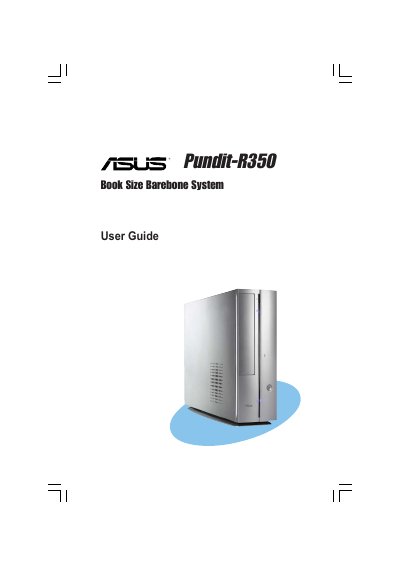
This guide is intended for experienced users and integrators who are installing the ASUS Pundit‑R350 book‑size barebone system. It includes safety information, system overview, and detailed descriptions of the front and rear panels, internal components, and motherboard layout.
The manual walks you through basic installation steps such as installing the CPU, memory modules, and storage drives, as well as configuring the BIOS settings. It also explains how to start the system, install the operating system, and use the support CD utilities.
Disconnect the power cable from the electrical outlet before moving the system.
Select the "Exit & Save Changes" option or press the F10 key.