
This document is a quick installation guide for the ASUSTeK COMPUTER INC. T2-PH2 Barebone System, published in 2006. The guide provides information on the system package contents and features of the product.
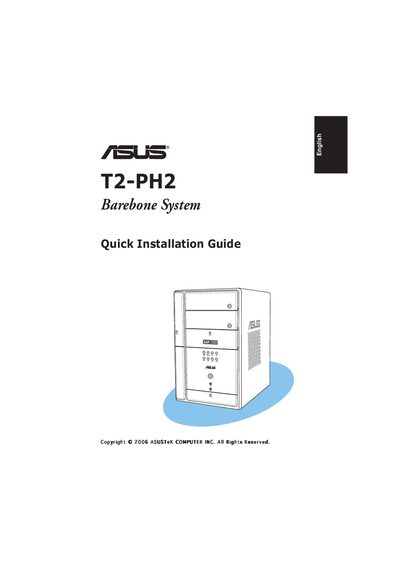
The guide lists the contents of the T2‑PH2 system package, describes the front and rear panel connectors, and outlines the hardware features such as USB ports, LAN, and storage options. It also provides detailed procedures for removing the cover, installing the power supply, CPU, memory modules, expansion cards, and hard drive.
Additional sections cover replacing the cover, selecting the correct input voltage with the PSU voltage selector, and safety cautions. The document is intended for users assembling the barebone system for the first time.
| Power supply | 250 W PFC |
|---|---|
| USB ports | 6 × USB 2.0 |
| IEEE 1394a ports | 2 × IEEE 1394a |
| LAN port | Gigabit |
| Audio port | S/PDIF |
| Card reader | 7‑in‑1 storage card reader |
| 5.25" drive bays | 2 |
| Floppy drive bay | 1 × 3.5" |
| Hard‑disk drive bay | 1 × 3.5" |
| LED panel | Yes |
| Audio DJ buttons | Play, Stop, Next, Previous, Volume |
Use the voltage selector switch on the PSU; it defaults to 230 V. Set it to 115 V for 100‑127 V mains or keep 230 V for 200‑240 V mains.
The T2‑PH2 includes six USB 2.0 ports.