
This is a Terminator 1 Barebone System Model A7VT400 product manual.
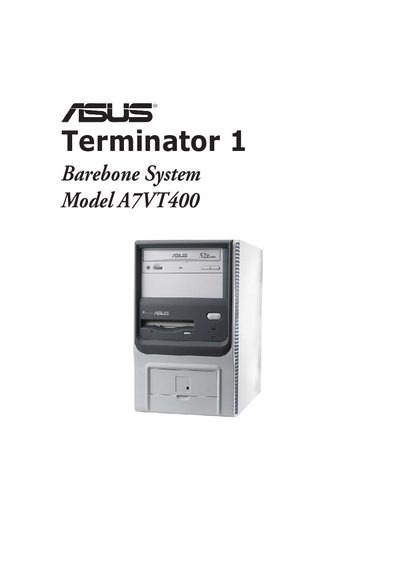
This manual covers the ASUS Terminator 1 barebone system (model A7VT400). It includes a system introduction, detailed installation steps for components such as the CPU, memory, drives, and expansion cards, and guidance on connecting external devices.
The guide also provides safety information, FCC and Canadian compliance statements, and extensive BIOS configuration instructions, including password reset procedures and how to load default settings.
| System type | Barebone |
|---|
You can clear the password by erasing the CMOS Real Time Clock (RTC) RAM; see section “4.3 Jumpers” for instructions.
Disconnect the power cable from the electrical outlet before relocating the system.