
This document is a user manual for the Jukebox HDD6320 HDD6330 HDD6335 models, including customer service hotline numbers for different countries and information on purchasing the product.
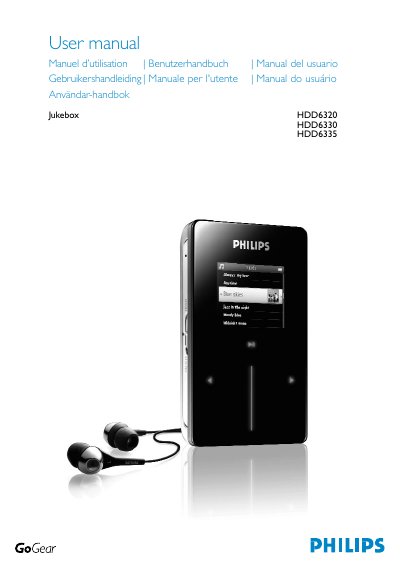
This manual covers everything you need to get started with the Philips GoGear HDD6320/30/35 player, including an overview of the device, a list of included accessories, optional accessories, product registration, and step‑by‑step instructions for connecting, charging, installing software, and transferring music and pictures.
Technical details are provided in the later sections, such as battery specifications, dimensions, display characteristics, supported audio formats, storage capacity, and a comprehensive list of compatible digital cameras. Safety notices, warranty information, and troubleshooting tips are also included.
| Battery capacity | 830 mAh Li‑ion internal rechargeable battery |
|---|---|
| Charging time (full) | 4 hours |
| Charging time (fast) | 1 hour |
| Dimensions | 64 × 104 × 16.8 mm |
| Weight | 180 g |
| Display | 220 × 176 pixels, 65K colours, white backlight LCD |
| Audio output power | 2 × 5 mW RMS |
| Storage capacity | 30 GB built‑in memory |
| Supported audio formats | MP3, WAV, WMA |
A full charge takes about 4 hours, while a quick charge reaches 70 % in 1 hour.
Press and hold the ON/OFF HOLD slider and press VOLUME + at the same time until the device shuts down.