
This is the user manual for Canon DV100 Digital Camcorder, which introduces the camera's various functions and usage methods.
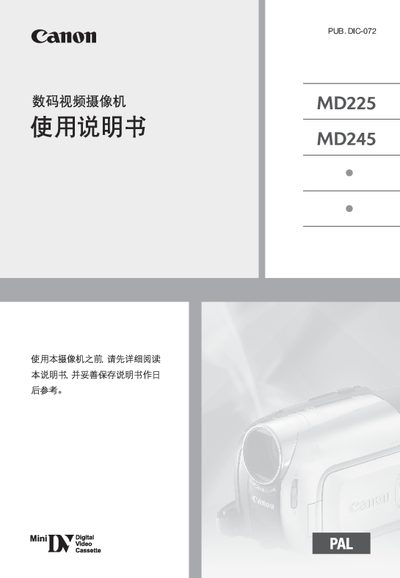
This manual introduces the Canon MD225/MD245 digital video camcorder, covering safety precautions, recommended accessories, and proper handling of the device. It explains how to clean the video head, warns about potential hazards such as electric shock or fire, and advises on battery and power‑adapter usage.
The guide details basic and advanced filming functions, menu navigation, language and time settings, and how to connect the camcorder to TVs, VCRs, or computers. It also includes troubleshooting tips, specifications, and a list of optional accessories. This manual is written in Chinese.
Use Canon's DVM-CL cleaning tape or a wet‑type cleaning tape; avoid using dry cleaning methods that could damage the camcorder.