
This instruction manual explains how to install the software and Canon USB Video Driver (Windows XP only), connect the camcorder to a computer, and download images from a memory card to a computer.
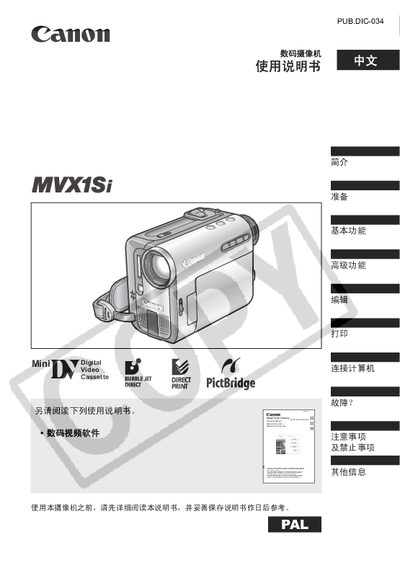
The Canon MVX1Si manual guides users through safety precautions, initial setup, and basic functions such as recording video to tape or a memory card, playback, and volume control. It also covers advanced functions like exposure modes, white‑balance settings, and image effects.
Additional sections describe how to use accessories, format storage cards, connect to a TV, edit recordings, and perform maintenance tasks such as cleaning the lens and battery replacement. Troubleshooting tips and a parts list are included for quick reference. This manual is written in Chinese.
| Aspect ratio | 16:9 |
|---|---|
| Battery type | CR2025 lithium button cell |
| Power adapter model | CA‑570 small power adapter |
When the camera is not in use, unplug the power plug from the outlet.
Yes, the camera can record video to both the tape and the memory card at the same time.
Press the MENU button, select the language option, and choose the desired language.