
This document is an instruction manual for Canon's Mini Digital Video Cassette, including installation and connection procedures for both Windows and Macintosh operating systems. It also covers the installation and preparation of DV Network Software Version 2. For more operating instructions, users can refer to the PDF format manual provided on the DIGITAL VIDEO SOLUTION DISK for Windows.
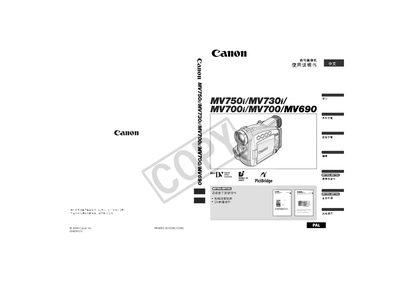
This manual provides detailed instructions for operating the Canon MV750i, MV730i, MV700i, MV700, and MV690 digital video cameras. It covers basic functions, playback, recording, and advanced features like night mode and SD card usage. Safety warnings and accessory information are also included.
The guide explains how to use the camera’s controls, adjust settings such as focus and exposure, and manage media. It also includes troubleshooting tips and a list of compatible accessories for proper operation. This manual is written in Japanese.
The manual covers the MV750i, MV730i, MV700i, MV700, and MV690.
The camera uses a CR1616 lithium battery.
The REC button is used to start or stop recording.