
This document is an introduction to the product registration process and support contact information for ArcSoft Inc. It provides support contact information worldwide, including North America, Europe, Japan, China, Taiwan, Australia, and Latin America. Users can register their programs online at www.arcsoft.com.
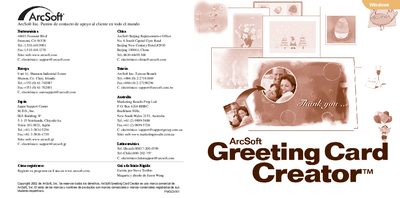
This guide introduces ArcSoft Greeting Card Creator, a Windows program for designing personalized greeting cards. It provides a brief overview of the software’s purpose, system requirements, and how to launch the application.
The document walks the user through the six creation steps—selecting a design, adding a photo, inserting a title, importing clip art, previewing the interior, and printing—as well as saving, emailing, and accessing additional help. This manual is written in Spanish.
| Operating System | Windows 98/ME/2000/XP |
|---|---|
| Processor | PC based on Pentium II or equivalent |
| Hard‑disk space | 300 Mb free |
| RAM | 64 Mb (recommended 128 Mb) |
| Color depth | 16‑bit color display |
The software runs on Windows 98/ME/2000/XP on a Pentium II‑class PC with at least 300 MB free disk space, 64 MB RAM (128 MB recommended), and a 16‑bit color display.