
Welcome to ArcSoft VideoImpression. It is a video processing software that can be used to edit, process and create videos.
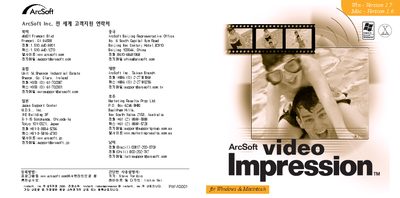
This manual provides step‑by‑step instructions for installing and operating the ArcSoft Video Impression application. It includes contact information for ArcSoft support centers worldwide and outlines the software’s features.
The document lists system requirements such as supported operating systems, minimum RAM, disk space, and screen resolution, and explains how to run the program from the CD‑ROM on both Windows and Mac platforms.
| Supported Windows versions | Windows 98/ME/2000/XP |
|---|---|
| Supported Macintosh OS versions | Mac OS 8.6/9/XX |
| Minimum RAM | 64 MB |
| Screen resolution | 800 × 600 |
The software runs on Windows 98, Windows ME, Windows 2000 and Windows XP.
At least 64 MB of RAM is required.
The program supports a minimum display resolution of 800 × 600 pixels.