
This document describes the features and characteristics of ArcSoft, Inc.'s video editing software ArcSoft VideoImpression.
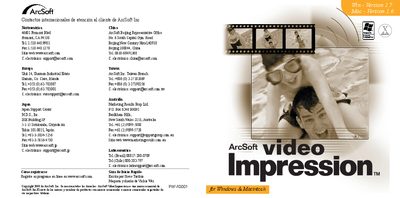
This guide introduces ArcSoft Video Impression, a video editing and presentation program for Windows and Macintosh. It includes a license agreement, system requirements, and step‑by‑step installation instructions for both platforms.
After installation, the guide explains the main interface, how to create and edit projects, work with albums, add transitions, edit images and video, and save or export movies. It also covers basic controls such as playback, frame navigation, and printing still frames. This manual is written in Spanish.
| Supported operating systems | Windows 98/ME/2000/XP, Macintosh OS 8.6/9/X |
|---|---|
| Processor requirement | Pentium‑class PC or equivalent PowerPC |
| Minimum free hard‑disk space | 75 MB (100 MB recommended) |
| Recommended free hard‑disk space | 100 MB |
| Memory (RAM) | 64 MB |
| Color depth | 16‑bit color display |
| Screen resolution | 800 × 600 pixels |
Click the Save button in the visualization screen, choose a folder and file name, select the desired movie format, and confirm to write the file.
Yes. In the edit screen, select the video frame you want, right‑click the video and choose "Imprimir" (Print).