
ArcSoft Greeting Card Creator is an easy-to-use program that lets you create your own personalized greeting cards. The program provides a variety of templates and backgrounds that you can use to create your cards. You can also add text and images to create a truly unique card.
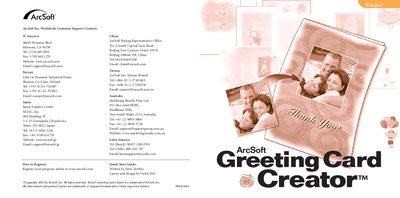
ArcSoft Greeting Card Creator is a Windows program that lets users design personalized greeting cards using built‑in templates, photos, clip art, and custom text. The guide explains system requirements, installation, and how to navigate the main interface.
Key sections walk you through selecting a design, adding photos, titles, clip art, and inside text, then previewing and printing the card. Additional tips cover saving cards as GCF files, emailing them, and accessing the online Help system.
| Operating System | Windows 98/ME/2000/XP |
|---|---|
| Processor | Pentium II‑based PC or equivalent |
| RAM | 64 MB (128 MB recommended) |
| Hard Disk Space | 300 MB free |
| Display | 16‑bit color display |
Insert the Greeting Card Creator CD, run the installer (or manually start X:setup.exe), and follow the on‑screen prompts to complete the installation.
Click the Get Photo button, select an image from an album, then drag, resize, or rotate it on the card as needed.